
Kali Linux 2026.2 released: 9 new tools have been added to the library, and virtual machine startup speeds can be tripled
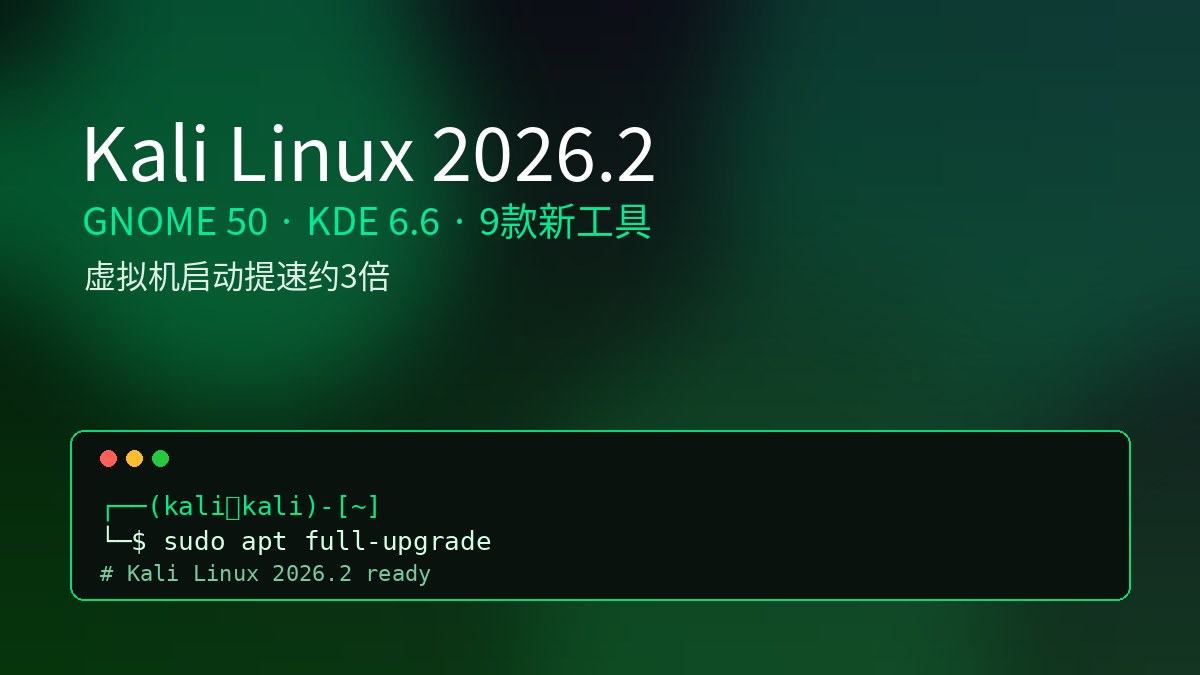
It’s the end of the quarter again, and Kali Linux has handed in its homework as scheduled.
On June 29, 2026, the Kali team officially released Kali Linux 2026.2. As one of the most commonly used operating systems by security researchers, penetration testing engineers, and red-blue countermeasures teams around the world, every quarterly update of Kali is worth paying attention to.
The official title of this edition is very straightforward: GNOME 50, KDE 6.6, Helper Scripts, APT new format, and virtual machine startup optimization.
To put it simply, 2026.2 is not a version with a bunch of fancy new features, but a comprehensive upgrade of desktop refresh, infrastructure modernization and experience optimization, plus nine new tools. For people who use Kali every day, these changes are actually more meaningful than adding a few more tools.
Let’s break it down one by one according to the official update points.
One sentence overview
Major changes in 2026.2 compared to 2026.1:
- Desktop environment upgrade: GNOME 50 + KDE Plasma 6.6
- Helper Scripts Unification: Service startup script behavior standardization
- APT new format: say goodbye to sources.list and use deb822 style instead
- Virtual machine startup optimization: initrd is streamlined, and startup speed is increased by about 3 times
- Restart reminder: polkit and xrdp need to be restarted after upgrading
- Kernel strategy: 6.19 is still used this time, and 7.0 is placed in experimental
- Nine new tools added to the library
The kernel version comes with Linux 6.19 this time.
Desktop upgrade: GNOME 50 and KDE Plasma 6.6
Kali makes a major upgrade to the desktop environment about every six months and every other version. This time it is the turn of GNOME and KDE.
GNOME 50 focuses on performance and ease of use:
- File manager significantly optimized, thumbnails and icons load faster
- Improved response speed and reduced memory usage
- New Accessibility Preferences Window
- Screen reader optimization, automatic language switching
- The document viewer supports annotating and highlighting documents directly
KDE Plasma 6.6 focuses more on accessibility and touch experience:
- Added on-screen keyboard for better experience on touch screen devices
- Spectacle screenshot tool supports OCR text extraction from screenshots
- Added color vision support options, improved zoom and magnifier
- Support for Slow Keys on Wayland
- Use standardized settings to reduce motion effects
These two desktops are not subversive revisions, but more refined performance and ease of use. For those who work on the Kali desktop every day, the experience difference is actually obvious if it is smoother, saves memory, and has more auxiliary functions.
Helper Scripts: Service startup is finally unified
This change may seem small, but those who have used Kali will understand its value.
In the past, many tools that relied on services had inconsistent behavior. Some can only be started but cannot be stopped; some do not tell you the status after starting; some do not display default credentials; some do not even prompt how to access. I have to flip through the document every time I use it, which is very annoying.
2026.2 Updated Helper Scripts, multiple packages have been unified to use the new script, and now can handle it consistently:
- Management services: cleanly starting and stopping
- Check whether it is running to prevent repeated startup
- Display service status and clear output
- Show default credentials, no more digging through documents
- Show access method: Web UI tool will give the URL and automatically open the browser
At the same time, Kali packages containing services use the naming of tool name-start and tool name-stop.
It is especially friendly to novices: In the past, many people were stuck on "whether the service has started, what is the account password, and where is the access address?" Now these information scripts tell you directly. This is a typical experience optimization that makes small things go smoothly.
APT changes to new format: sources.list retired
This time there is a more ceremonial change: Kali deprecated the long-used /etc/apt/sources.list.
Instead, there is a new deb822-style format located in /etc/apt/sources.list.d/kali.sources.
The new format looks like this:
Types: deb
URIs: http://http.kali.org/kali/
Suites: kali-rolling
Components: main contrib non-free non-free-firmware
Signed-By: /usr/share/keyrings/kali-archive-keyring.gpg
A few notes:
- Newly installed systems use the new format by default
- The existing system will not be forced to change, and the two formats are equivalent
- In the future, APT will remind users of old formats to migrate
- This is actually following the unified trend of Debian and Ubuntu
For old users, this is nothing new. The deb822 format has long existed, but the default value is slowly switching. Don’t panic, just follow the prompts to migrate.
Virtual machine startup optimization: startup speed increased by about 3 times
The most practical performance improvement this time falls in the virtual machine scenario.
Kali has always had a tradition of pre-installing a large amount of firmware. The advantage is that it is plug-and-play, but the disadvantage is that a lot of unused firmware takes up space. The problem mainly lies in the graphics card firmware.
Official data provided:
- NVIDIA, AMD, Intel graphics card firmware combined is close to 300 MB
- Some firmware needs to be loaded early during boot, so it is also stuffed into initrd
- Kali's initrd once ballooned to about 200 MB
- The larger the initrd is, the slower the startup will be and may also overwhelm the /boot partition.
What 2026.2 does is smart:
- Pre-made virtual machine images no longer have built-in graphics card firmware
- The installer will identify the virtual machine environment and automatically skip the graphics card firmware installation.
The effect is very direct: the initrd of the virtual machine user is reduced to about 60 MB, and the startup speed of the QEMU virtual machine on the Linux host is increased by about 3 times.
One point to emphasize: bare-metal users of physical machines are not affected and the full set of graphics card firmware is still pre-installed. If you are a bare-metal user and want to lose weight, you need to clean up by yourself, but you must know what you are deleting. If you delete it incorrectly, you may not have a graphical interface after restarting.
Two breaking updates requiring a reboot

This time there are two updates that require restarting, so it’s best to be aware of them before upgrading.
The first one is polkit. polkitd needs to be restarted after updating, otherwise inexplicable errors may be reported when starting the GUI application as root. There will be a prompt in the log of apt full-upgrade, but it is hidden deeper.
The second one is xrdp. This time, xrdp and xorgxrdp are upgraded to the v0.10 series. If you connect to Kali remotely or use enhanced session mode in Hyper-V, you are actually an xrdp user and need to restart after the upgrade. In some cases, the enhanced session mode may fail after upgrading. You can use kali-tweaks to turn it off and on again in the virtualization options, and then restart it.
Why is the kernel still in 6.19?
Officials also struggled with kernel selection this time.
On the one hand, the latest kernel has fixed many vulnerabilities and should be followed up as soon as possible; on the other hand, when the 7.0 kernel entered Debian, there were compatibility issues with the NVIDIA DKMS driver.
After weighing the situation, Kali 2026.2 decided to continue using the 6.19 kernel to prevent NVIDIA users from directly overturning.
If you don't care about NVIDIA compatibility and want to try out 7.0, you can get it through the kali-experimental repository. There is a method to enable it in the official documentation. This strategy of giving priority to safety and leaving room for early adopters is responsible for users of the production environment.
Nine new tools added to the library
Each release of the repertoire is a new tool. Kali 2026.2 adds nine new tools to the repository:
- arsenal-ng: Go-based command library with more than 200 built-in network security cheat sheets
- hydra-gtk: Add back the GTK+ graphical interface to the classic network login audit tool
- legba: multi-protocol credential auditing and password spraying testing tool
- oletools: Toolkit for analyzing MS OLE2 files and Office documents
- penelope: a powerful post-exploitation shell processor
- shell-gpt: LLM-based command line productivity tool
- tailscale: secure networking connection platform
- tookie-osint: An open source intelligence tool for social account discovery
- uro: URL deduplication and cleaning tool for crawlers and testing scenarios
The trend can be seen from the composition of tools: there are traditional penetration testing and forensic analysis tools, as well as OSINT, networking and AI-assisted command line tools. In particular, the inclusion of LLM tools such as shell-gpt in the library shows that Kali is also following the direction of combining secure workflows with large models.
A word of caution: these tools are geared toward authorization testing, security research, and defensive assessment scenarios. Any offensive and defensive tools must be used with clear authorization, clear scope, and records. Unauthorized use may be illegal.
The mobile version of NetHunter is also updated
On the mobile side, NetHunter also has significant improvements this time:
- NetHunter application can now be opened in seconds
- Fixed an issue with custom commands related to chroot container management
- A new wireless injection patch adapted to Qcacld-3.0 has been added, covering OnePlus 7/9, POCO X3 Pro, Redmi Note 10, Samsung A73, Xiaomi Mi A3 and other devices
- NetHunter Pro bare-metal support is expanded to more than 20 devices, covering Google Pixel, Sony Xperia, Samsung, Xiaomi and other series
For those who do mobile security research and wireless evaluation, expanded device compatibility has always been a necessity, and the scope of this update is not small.
How to upgrade
Existing Kali systems can be directly upgraded:
sudo apt update && sudo apt full-upgradeOr directly download the new image from the kali.org official website and reinstall it.
Upgrade notes:
- Remember to restart after upgrading, especially if polkit and xrdp are involved
- Remote connections and Hyper-V enhanced session mode users should be aware of xrdp changes before upgrading
- It is recommended to verify in the test environment first before upgrading the production machine.
- Check the integrity of the image from the official website. Do not use third-party images from unknown sources.
Summary: A pragmatic quarterly upgrade
Kali Linux 2026.2 is not the kind of hot-button update at the conference level, but it is very practical.
Desktop upgrades make daily experience smoother, Helper Scripts make service management more worry-free, the new APT format keeps up with upstream standards, virtual machine startup optimization directly increases startup speed by about 3 times, kernel policies are given priority, plus nine new tools and NetHunter mobile enhancements.
For security practitioners, this kind of version that polishes the basic experience is often more useful than simply stacking functions.
Finally, a reminder as usual: Kali is a professional security tool platform, and all tools should be used for penetration testing, security research, and defensive reinforcement within the scope of legal authorization. The tool itself has no position, and those who use it must guard their boundaries.