
Gemini Lands on Mac: Option+Space Anywhere, Window Sharing
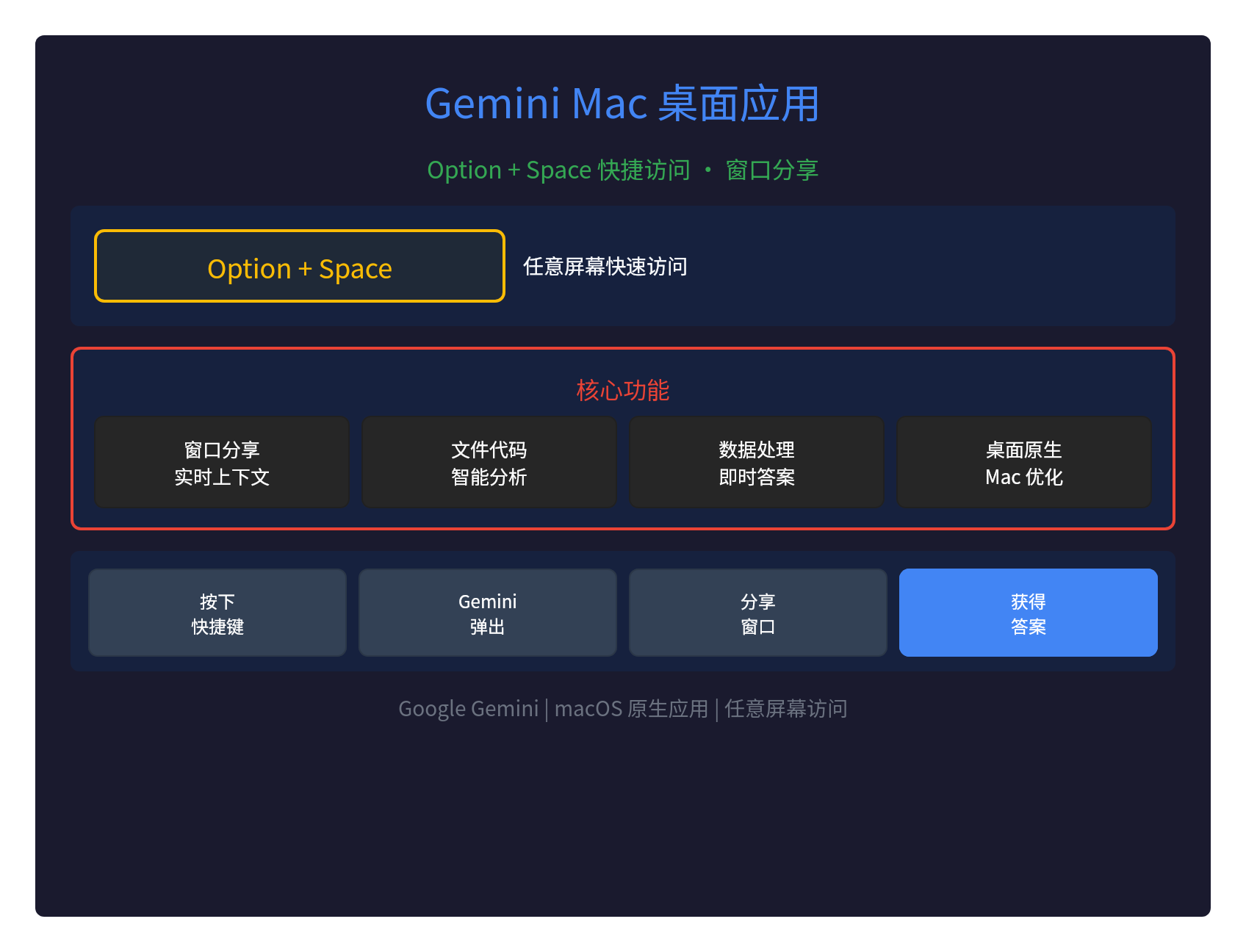
🌐 Gemini App Lands on Mac: Option + Space Access from Any Screen
Google has officially launched the Mac desktop app for Gemini, letting you from any screen hit Option + Space to bring up Gemini.
Even better: you can share a window so that Gemini, grounded in the files, code, or data you're working on, gives you the answer directly.
🎯 Core Features
| Feature | Description |
|---|---|
| Option + Space | Quick access to Gemini from any screen |
| Window sharing | Share the current window for Gemini to analyze |
| Live context | Grounded in the files, code, or data you're working on |
| Native desktop app | A true Mac app, deeply integrated with macOS |
⌨️ Option + Space: Access from Any Screen
This is the Gemini Mac app's killer feature:
- Anywhere: whatever app or screen you're on, Option + Space brings up Gemini
- Instant popup: the Gemini UI pops up immediately without interrupting your work
- Seamless flow: ask your question, keep working, and the answer appears right away
It's similar to Raycast's quick launcher, but tuned specifically for the Gemini AI assistant.
🪟 Window Sharing: Live Context
The most powerful feature is window sharing:
- Share the current window: click the share button and pick the window you want to share
- Real-time analysis: Gemini can see exactly what you're working on
- Smart answers: precise answers based on your files, code, and data
Use cases:
- Coding: share your IDE window and Gemini reviews the code, offering suggestions
- Documents: share a Word/Pages window and Gemini helps you write and polish
- Data analysis: share an Excel window and Gemini digs into the data for insights
- Design: share a Figma window and Gemini offers design feedback
💡 How It Stacks Up Against Other AI Desktop Apps
| App | Platform | Shortcut | Window sharing |
|---|---|---|---|
| Gemini Mac | macOS | Option + Space | ✅ Supported |
| Claude Desktop | macOS/Windows | No global shortcut | ⚠️ Partial |
| ChatGPT Desktop | macOS/Windows | No global shortcut | ❌ Not supported |
| Raycast + AI | macOS | Option + Space | ⚠️ Partial |
Gemini Mac's window sharing is one of a kind.
🔧 Technical Details
Native macOS app
- Native experience: not a wrapped web page — a real macOS app
- System integration: deeply integrated with macOS
- Performance: fast response, low memory footprint
Window sharing tech
- Screen capture: uses the macOS screen capture API
- Privacy: captures only when you actively share
- Real-time analysis: Gemini analyzes window contents live
📊 Gemini Model Capabilities
The models behind the Gemini Mac app:
- Gemini 2.5 Pro: the strongest reasoning
- Gemini 2.5 Flash: the fastest responses
- Multimodal: understands text, images, code, and data
- Long context: handles large files and complex code
🚀 Who It's For
Developers:
- Ask quick questions while coding
- Share your IDE so Gemini can review your code
- Have Gemini explain error logs
Content creators:
- Quick lookups while writing
- Share a document for Gemini to polish
- Have Gemini translate or rewrite
Data analysts:
- Share an Excel sheet for Gemini to analyze
- Have Gemini explain data trends
- Have Gemini generate reports
📝 Summary
The launch of the Gemini Mac desktop app marks the arrival of AI assistants in the native-desktop era:
- Option + Space: quick access from any screen
- Window sharing: intelligent analysis with live context
- Native desktop: deeply integrated with macOS
- Multimodal: understands files, code, and data
AI assistants have finally become a real part of the desktop workflow.
Download:https://gemini.google.com/app