
DrawNet.ai: AI helps you draw network topology diagrams with port-level accuracy and is permanently free for individuals.
Drawing network topology diagrams has tortured too many people. Visio takes a long time, draw.io connects to the wrong line, and after drawing, you have to open Excel again to record the port correspondence - the two documents will never match up, and it will be a disaster for a new person to take over.
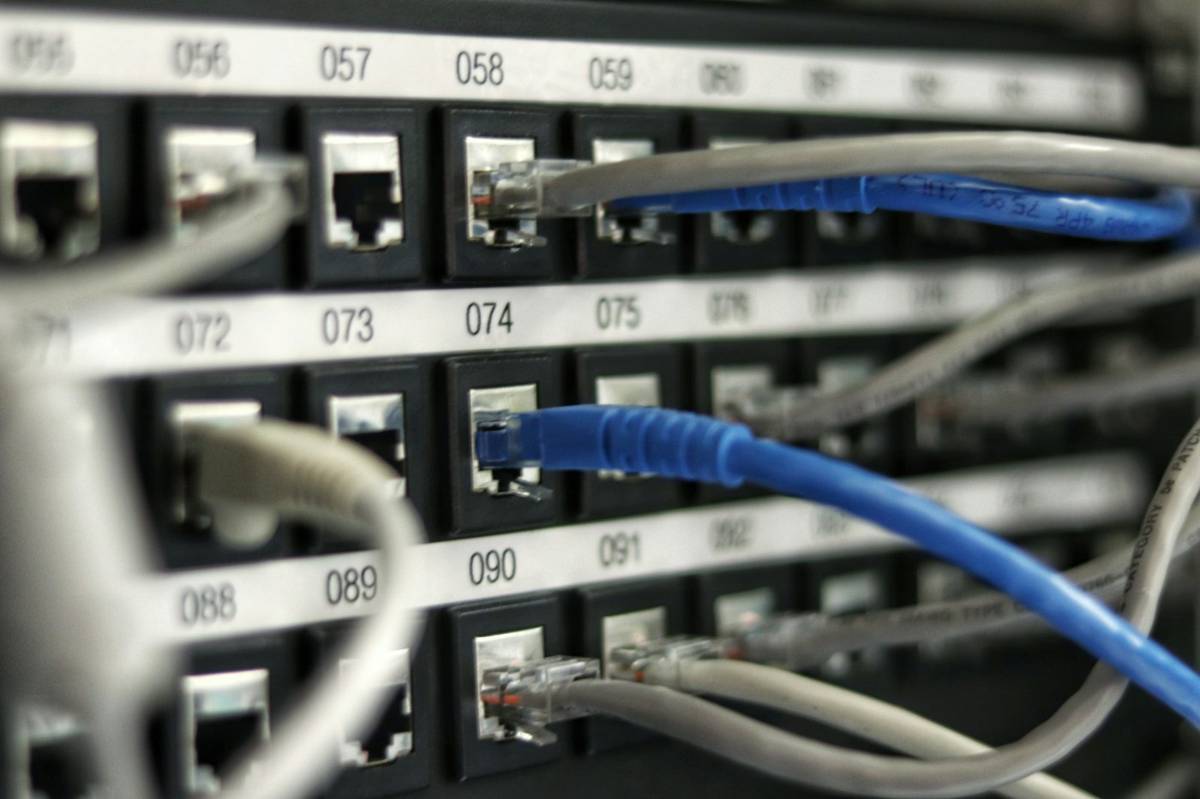
Recently I found a tool that is quite right: DrawNet.ai. It doesn’t compete with you about who has more icons, but it focuses on a pain point that no one else cares about——Port-level accuracy.
What problem does it solve?
In traditional topology tools, the switch is just an icon, and you can't tell which physical port is connected to where. Therefore, the IT team can only maintain another Excel table to record wiring, and this table and the topology map are never in the same state.
What DrawNet.ai does is:Draw each physical port of the switch. You click on the source port, then click on the target port, and the connection is established with the accurate port number. The topology diagram itself is the wiring document, a trusted source, always synchronized.
Core functions
- Port-level accuracy: The devices are connected one by one by port. The number of ports can be set as desired. You can rename (WAN, LAN1...), assign IP, and mark the SFP fiber uplink port. The Excel wiring table can be thrown away
- AI generated: Use vernacular to describe your network, and AI will draw it up in a few seconds.
- Tidy Links one-click organization: This is the most enjoyable. With one click, all cables will automatically follow orthogonal paths without overlapping or passing through the equipment. The diagram will always be clean.
- Export to multiple formats: PNG, SVG, PDF, and can also export to Visio compatible formats
- No registration required: Open it to draw, the data is stored locally in the browser
- Support offline: PWA application, drawing/editing/saving/exporting can be used even when disconnected from the Internet (only Tidy Links needs to be connected to the Internet because it runs on the server)
How does it compare with Visio and draw.io?
The official provided a comparison table, and the difference is very straightforward:
- Physical port display:DrawNet ✓ / Visio ✗ / draw.io ✗
- port to port connection:DrawNet ✓ / The other two ✗
- Built-in wiring table:DrawNet ✓ / Visio, draw.io both ✗
- AI generated graph: Only DrawNet has
- Link automatic routing: DrawNet ✓ / draw.io ✓ / Visio ✗
- Export to Visio format:DrawNet ✓ / Visio ✓ / draw.io ✗
- Cable path tracing: Only DrawNet has
To put it bluntly, Visio requires a Microsoft 365 subscription ($13+/month), and the connection line sticking often makes people want to smash the keyboard; draw.io is free and easy to use, but it is a general drawing tool without any network-specific features. DrawNet’s positioning is very narrow——Just for network documents.
What scene is suitable for
It says it very clearly:Small to medium-sized networks of 5 to 50 devices, that is the kind of environment where every network cable is important. A bunch of specific use cases are listed:
- Ships & Yachts: Bridge network, engine room switch, CCTV link, each RJ45 point is clearly marked to facilitate crew handover and maintenance
- Factories and industrial sites: Moxa, Hirschmann industrial switches, PLC, IP cameras, SCADA links - technicians can find the correct port in a few seconds without having to search for a long time.
- Offices and SMEs: Two switches + firewall + NAS + several printers, which is exactly the golden scale of port-level topology. There is no threshold for newcomers to get started.
- Smart building: KNX gateway, PoE camera, WiFi AP, home automation, you can see where they are plugged in at a glance
- hospital clinic: Medical equipment, call systems, and monitors are traced to specific switch ports.
- Training certification: CCNA/CCNP students can use real port numbers to practice topology design
Free is really free
This deserves its own mention. The website begins with: "If it's free, you're a commodity - but not here."
The developer is CYZEA SAS (registered in March 2021) in Paris, France. It was originally an internal tool for making network documents for myself. I decided to share it after I became comfortable with it. Its pattern ishonor system:
- Personal use, learning, and non-profit organizations - the entire tool is permanently free, no emasculated version, and no paywall function
- The company only needs to buy a license if it is used for paid work. No keys, no accounts, nothing locked
- Hosted in France and subject to GDPR, one of the strictest data protection laws in the world
The privacy design is also clean:100% client-side operation, the picture is stored locally in the browser and cannot be seen by the official. Export files are all generated in the browser. The AI function only transmits the description text you entered, and existing drawings are never sent.
Four steps to get started
- first step: Drag switches, routers, servers, and firewalls onto the canvas, and each device displays its real port.
- Step 2: Click any port on the source device - there is no menu or pop-up window, just click the port you want to connect to.
- Step 3: Click the port of the target device, the link will be established immediately, and bring the accurate port number.
- Step 4: Click Tidy Links, one-click automatic routing, orthogonal path, no overlap, no passing through equipment
No need to register or install, just open drawnet.ai/app You can draw. For individual users, this is a zero-cost alternative.

A few honest words
In the past two years, AI drawing has been widely praised but rarely implemented. Many so-called "AI-generated topologies" are just abstract node graphs output by Node.js, which are incompatible with real network devices. The smart thing about DrawNet.ai is thatAI is not regarded as the protagonist——It first establishes a solid port-level data model. AI is just a means to speed up your diagram construction. The core value is still the accurate wiring document.
The project is still under active development (last updated 2026-09-17), and the functions are iterated very quickly. If you manage a small to medium-sized network, or are preparing for CCNA/CCNP, it’s worth giving it a try.
The topology diagram and wiring list should be the same document.
Official website: www.drawnet.ai
Developer: CYZEA SAS (Paris, France)
Pricing: Free for individuals, commercial licenses are purchased on an honorary basis