
Google Android CLI: Command-Line Android Dev, No GUI Needed
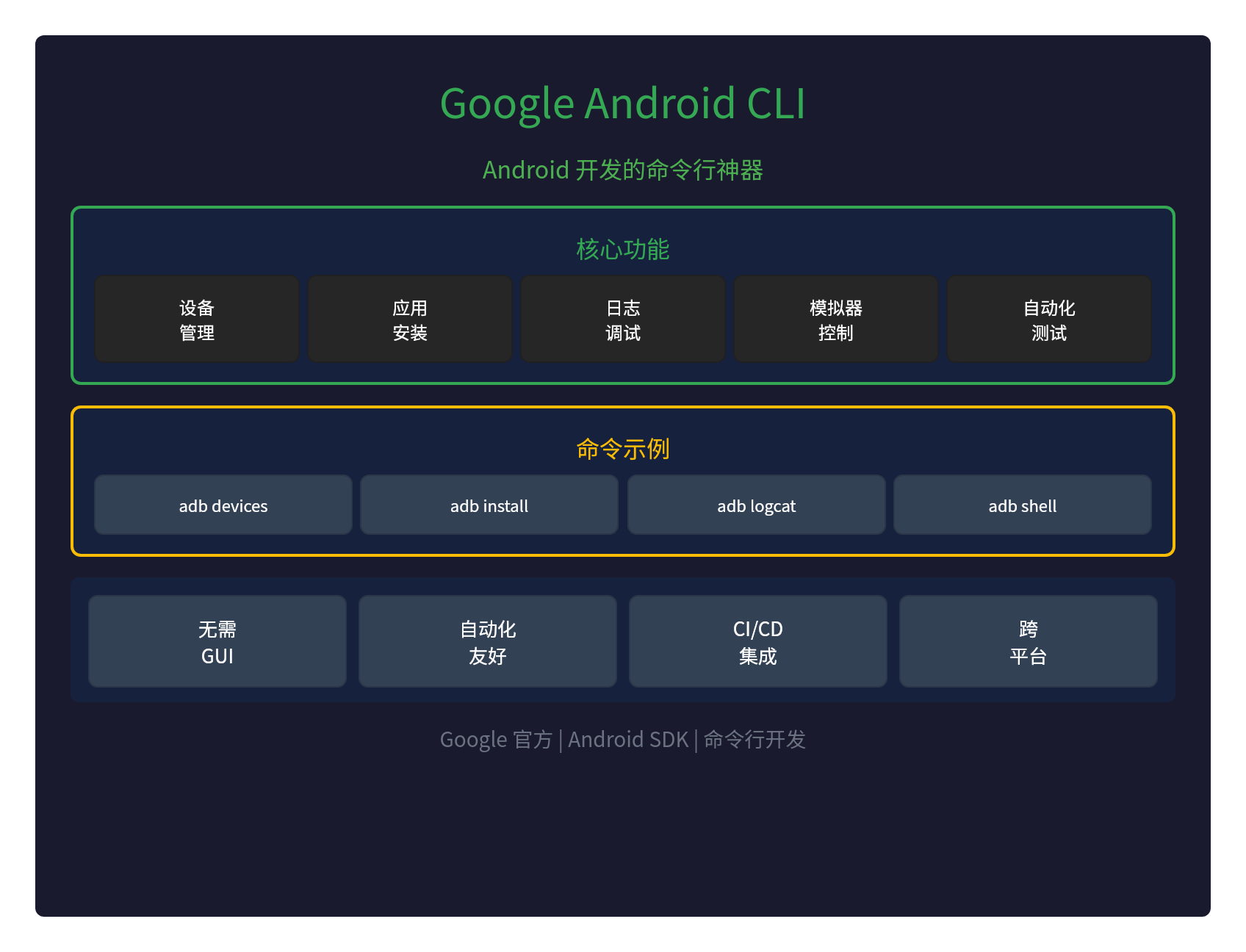
📱 Google Ships Android CLI: A Command-Line Powerhouse for Android Development
Google has released Android CLI — a command-line tool that lets Android development say goodbye to the GUI.
With Android CLI (Android Command Line Tools), developers can entirely from the command line build, test, and debug Android apps — no Android Studio GUI required.
🎯 Core Features
| Feature | Command | Description |
|---|---|---|
| Device management | adb devices |
List connected Android devices |
| App install | adb install app.apk |
Install an APK to a device |
| Log debugging | adb logcat |
View device logs |
| Shell access | adb shell |
Open a device shell |
| File transfer | adb push/pull |
Push/pull files to and from devices |
🛠️ Key Commands
ADB (Android Debug Bridge)
ADB is the core tool of Android CLI:
# 查看连接设备
adb devices

# 安装应用
adb install myapp.apk

# 启动应用
adb shell am start -n com.example/.MainActivity

# 查看日志
adb logcat -v time

# 进入 Shell
adb shell

# 传输文件
adb push local.txt /sdcard/remote.txt
adb pull /sdcard/remote.txt local.txt
Emulator control
# 启动模拟器
emulator -avd my_avd

# 列出 AVD
emulator -list-avds

# 控制模拟器
adb emulator
SDK Manager
# 列出可用 SDK
sdkmanager --list

# 安装 SDK
sdkmanager "platforms;android-35"
sdkmanager "build-tools;35.0.0"
💡 Why Do You Need Android CLI?
1. No GUI Needed
Android CLI lets you build for Android entirely from the command line:
- Server environments: develop on headless servers
- Lightweight setups: no Android Studio install required
- Remote development: develop over SSH
2. Automation-Friendly
Command-line tools are born for automation:
- Scripting: write scripts for batch operations
- CI/CD: plug into continuous integration pipelines
- Batch tasks: install and test many apps in bulk
3. CI/CD Integration
Android CLI is the backbone of CI/CD:
# CI/CD 流水线示例
# 1. 构建应用
./gradlew assembleDebug

# 2. 启动模拟器
emulator -avd test_avd -no-window &

# 3. 安装应用
adb wait-for-device
adb install app/build/outputs/apk/debug/app-debug.apk

# 4. 运行测试
adb shell am instrument -w com.example.test/android.support.test.runner.AndroidJUnitRunner

# 5. 收集日志
adb logcat -d > test.log
4. Cross-Platform
Android CLI supports all major platforms:
- Linux: native support
- macOS: native support
- Windows: native support
📊 Android CLI vs. Android Studio
| Feature | Android CLI | Android Studio |
|---|---|---|
| GUI | ❌ None | ✅ Yes |
| Automation | ✅ Excellent | ⚠️ Partial |
| CI/CD | ✅ Perfect | ❌ Poor fit |
| Resource footprint | ✅ Low | ⚠️ High |
| Learning curve | ⚠️ Takes some learning | ✅ Visual and beginner-friendly |
🚀 How to Install
Method 1: SDK Manager
# 下载 SDK Command Line Tools
wget https://dl.google.com/android/repository/commandlinetools-linux-9477386_latest.zip

# 解压
unzip commandlinetools-linux-9477386_latest.zip

# 安装 SDK
./cmdline-tools/bin/sdkmanager --sdk_root=/path/to/sdk "platform-tools" "platforms;android-35"
Method 2: Android Studio
If you already have Android Studio, the CLI tools are included in the SDK:
# 路径
~/Android/Sdk/platform-tools/adb
~/Android/Sdk/emulator/emulator
~/Android/Sdk/cmdline-tools/latest/bin/sdkmanager
Method 3: Package manager
# macOS (Homebrew)
brew install android-platform-tools

# Linux (apt)
sudo apt install android-tools-adb android-tools-fastboot
💡 Real-World Use Cases
Use case 1: Automated testing
# 启动模拟器并运行测试
emulator -avd test_avd -no-window &
adb wait-for-device
adb install test-app.apk
adb shell am instrument -w com.test/android.test.runner
Use case 2: Batch installs
# 批量安装多个设备
for device in $(adb devices | grep -v "List" | cut -d" " -f1); do
  adb -s $device install myapp.apk
done
Use case 3: Remote debugging
# 通过 TCP 远程调试
adb tcpip 5555
adb connect 192.168.1.100:5555
adb logcat
📝 Wrap-Up
Google's Android CLI is a command-line powerhouse for Android development:
- No GUI needed: develop even on headless servers
- Automation-friendly: scriptable, batch operations
- Perfect for CI/CD: the backbone of continuous integration
- Cross-platform: Linux, macOS, Windows
- Low resource footprint: lightweight and efficient
Ditch the GUI — the command line is the ultimate form of development.
Official docs:https://developer.android.com/tools